b2c3d
Studio
Studio turns one image into a scene of separate, editable objects, then cleans, textures, lights and edits it, with every change kept as a version.

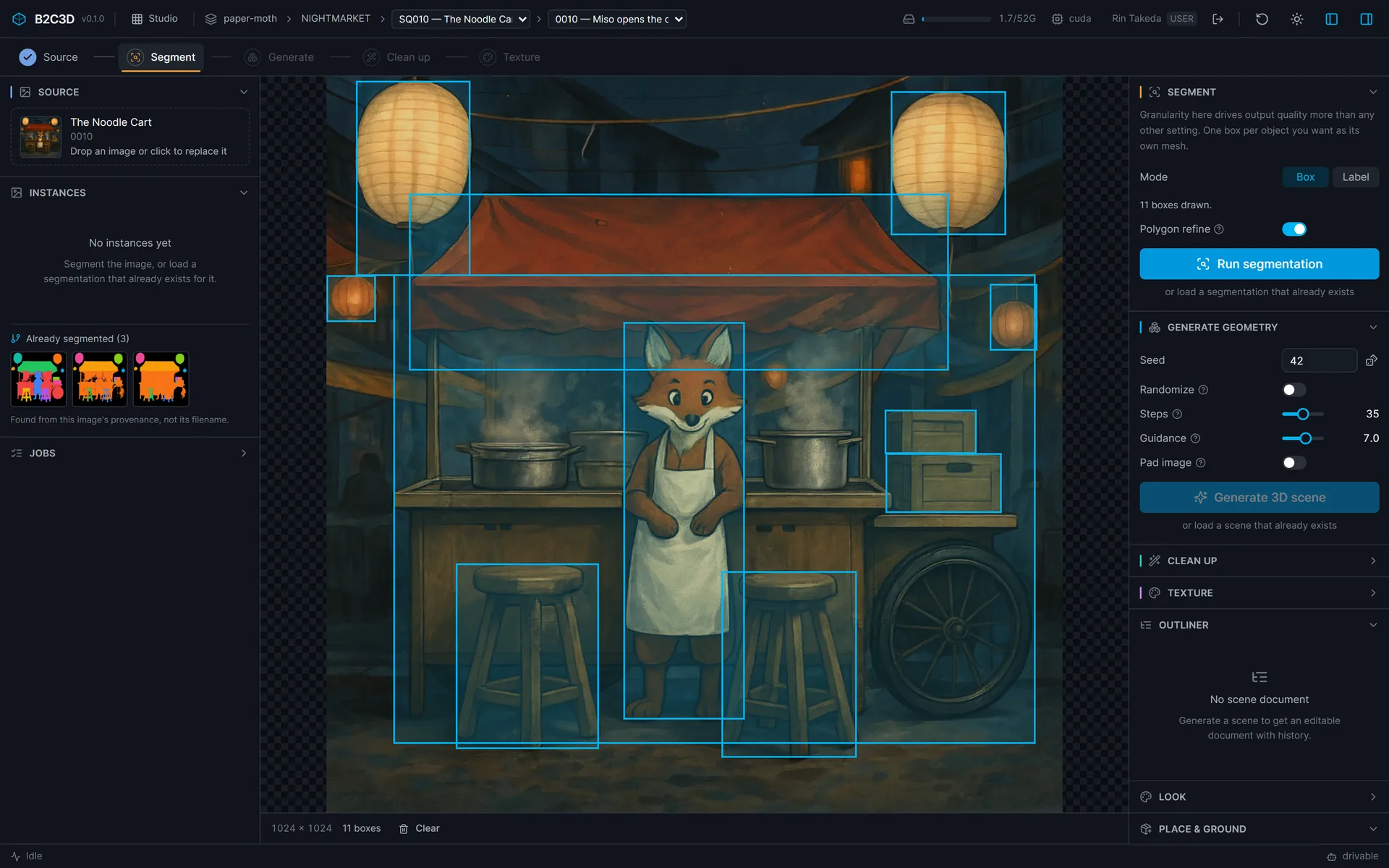
Studio is where a picture becomes a scene. A single-object image-to-3D model treats a concept of a noodle cart as a request for one object, and returns the cart, its awning, its lanterns and the stools in front of it fused into one shell. Studio separates the objects first and generates them together, so what comes out is a set of meshes that already share a frame. Any one of them can be moved, retextured or deleted on its own.

Five stages
The work runs as five stages across the top of the workspace: source, segment, generate, clean up and texture. Each one writes an asset that the next one reads, and every asset is kept, so an artist can stop after any stage, come back later, and find the image, the segmentation and the scene still joined by their provenance.
- Source. An image from Concept, from the library, or an upload. The picker lists images at the working context and everything above it.
- Segment. One box per object, or text labels for a detector to find. The Instances panel lists each object with its share of the image, and the count is the check: if the lanterns came out as one region, a box per lantern and another run separates them. Segmentations already made from the loaded image are offered first, found from its provenance rather than its filename.
- Generate. Multi-instance diffusion on every object at once, with attention gathered across the batch.
- Clean up. Weld, remove floaters, fill holes and optionally smooth, every object at once. Every removal is reported, because a floater is sometimes a real part, such as a lampshade that does not touch its base. The stage is optional.
- Texture. Six views rendered per object, then baked into UV textures. Selecting an object in Multiview retextures only that one.
The image button puts the source concept behind the 3D view, so the generated arrangement can be compared directly against the picture it came from, from the front or from the concept's own camera.
A scene document with history
Generating a scene also opens a scene document, and from there Studio is an editor. Objects are renamed, hidden, grouped, moved and rotated with handles in the viewport, and deleted. Every change is a version. Restoring an old version writes a new version with the old content, so restoring the wrong one is itself reversible, and nothing is removed from the chain.

A scene is rarely one person's. Two artists can work in the same scene document at once, each seeing who else is there, what they have selected and what they just changed. Edits are compared field by field, so most of them simply land; when two people change the same thing, the second is asked rather than overwritten. Undo takes back only the edits the person pressing it made.
Look development in place
A material is judged on the object under the scene's own light, so look development happens in Studio rather than in a separate tool. The Look panel gives objects physically based materials, can take the baked lighting out of a generated texture to make one, draws on a curated library of CC0 materials and HDR skies, and lights the scene with point, spot and directional lights and an environment. Once a scene has a light of its own, Studio stops using its fixed studio setup. The exported GLB carries the materials and lights along with every visible object.
Roles, and agents
What a role cannot do is replaced by a sentence saying so, not a greyed-out button. A Viewer such as a client's director sees the scene, its outliner and its history, and nothing that runs.

Hiding is the experience, not the enforcement: the server would refuse the request regardless. Every operation Studio runs, and every camera move and canvas action, is also a tool an agent can call over the Model Context Protocol. A tab that can take commands from an agent says drivable in its status bar, and a request made in words drives the same workspace a person uses.
Where it fits
Studio sits at the centre of the suite. Rigging takes its meshes and gives them skeletons, Animate gives those rigs motion, and the clips come back to play on Studio's scene timeline. Assets keeps everything Studio writes, with its lineage, for review and reuse.
Gallery

Lights edited as drafts and applied as versions. 
An HDR environment for the night sky, from the curated CC0 library. 
A second scene, the market alley, as seventeen separate objects before texturing. 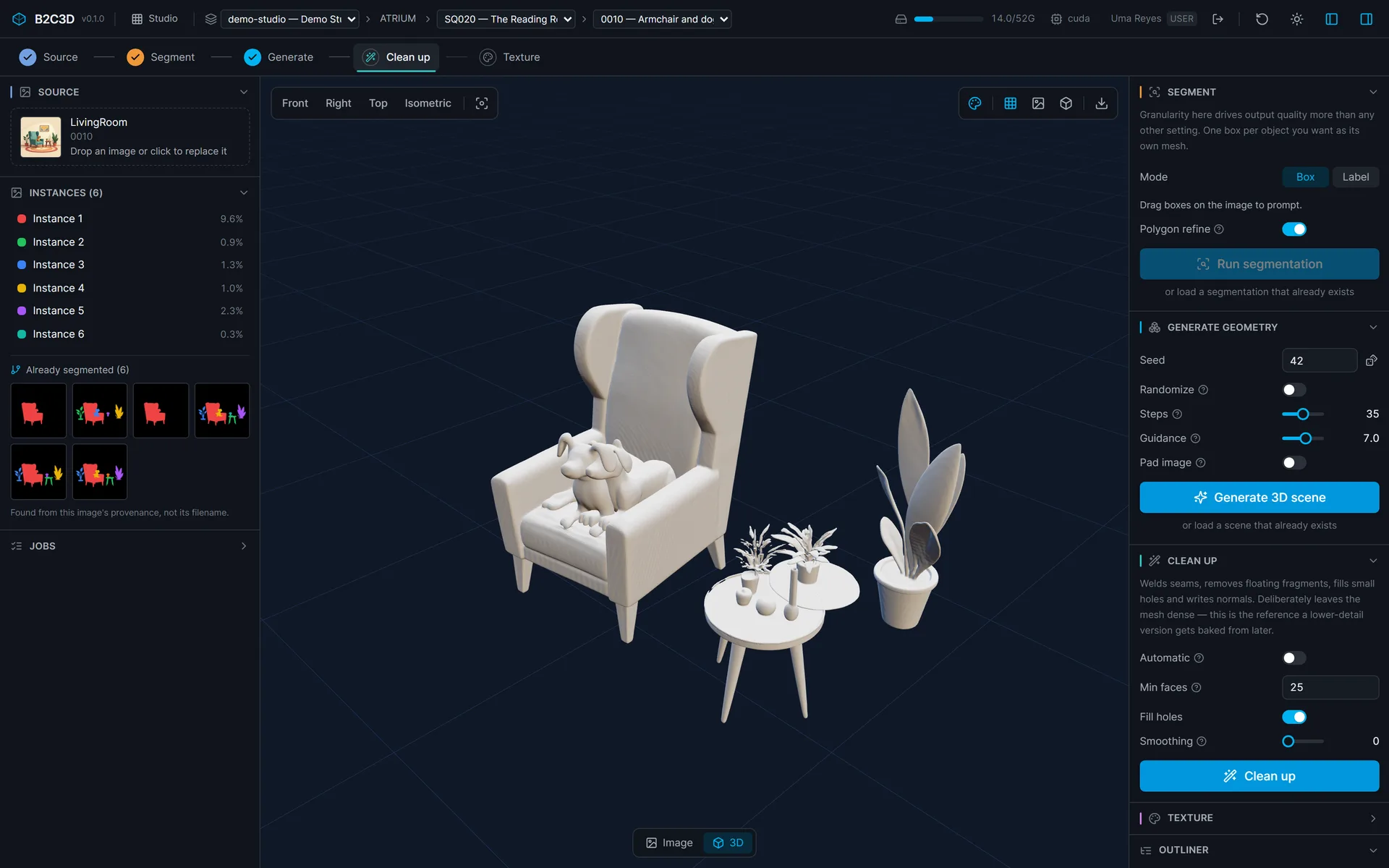
Clean up on another production: every object at once, with instance count and order kept. 
The same living room, textured, with its history.
Related work
-

BigBluePipeline
A VFX studio pipeline, rebuilt as the artist-side front end for b2c3d.
-
Depth2STL and Obj2GLB
Two small open-source tools for getting 3D data where it needs to go.
-

QIE Studio
An image generation and editing studio, built by an AI agent working unattended from our specification.
-
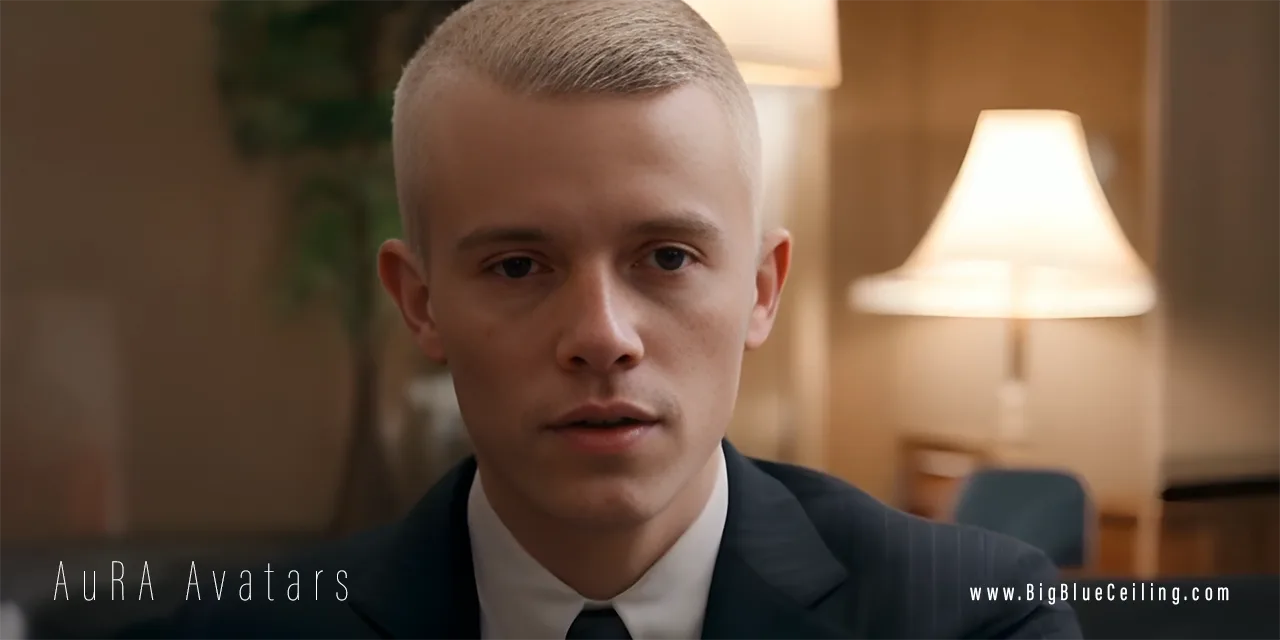
AuRA Avatar Generator
Customizable, photorealistic presenters for AI-generated video briefings.