b2c3d
Animate
Animate puts motion on a rig from motion capture, uploads or a sentence, retargets it by body part, and edits it without ever losing the original take.

Rigging makes a skeleton right; Animate makes it move. It takes motion from wherever it comes from, puts it on a rig, lets it be shaped, and plays it back on the rig's own skinned mesh, in the same viewport Rigging uses, so the two never disagree about what the character looks like.
Where motion comes from
Motion arrives in three ways.
- Uploads. A BVH file, or a GLB that carries an animation, imported into a clip.
- A curated library of motion capture: takes from the CMU Graphics Lab Motion Capture Database and walks and idles from 100STYLE. Each clip keeps its licence and attribution wherever it goes, through every retarget and edit. Mixamo is deliberately absent.
- A sentence, turned into a clip by a text-to-motion model. Its training data is not open, so the application marks every clip it touches as research rather than shipped content, before anything runs and on every clip made from one.


Retargeting by body part
Wherever it came from, a clip starts on the skeleton it was recorded on. Retargeting puts it on the character, and it does not depend on the two skeletons agreeing about joint names. Both are read as a body from their shape: hips, spine to chest, neck, two arms and two legs. Joints are paired chain to chain, and names are used only to tell left from right. Up and forward are read from each skeleton, never assumed, so an A-pose take drives a T-pose rig.
Root travel scales with hip height, so a short fox does not stride like the person who was captured. A separate step, Plant the feet, finds where each foot is down and holds it there with two-bone IK, where a shorter leg would otherwise slide. A planted ankle is lifted, never pulled down.
Walk motion from the 100STYLE dataset (Mason, Starke and Komura), CC BY 4.0.
Editing that keeps the original
Editing is the short list of things blocking needs: trim to a range, retime, ease the end into the start so a clip loops, play one take after another, mix two, and plant the feet. Each edit makes a new clip with the one it came from as its parent, so the original take is never lost under its edits. The timeline plays, scrubs, loops and slows playback without changing the clip.

A clip also records the rig version it was solved against. When a rig is corrected in Rigging afterwards, the clip still plays, and Animate says it was made for the older version and offers to retarget it, rather than re-running anything behind the editor's back.
Out of Animate
Animate's work leaves through two doors. Export writes a clip as an animated GLB of the character and as BVH, both added to the clip's own asset. And in Studio, any rigged object in a scene can play a clip, with the whole scene on one timeline and the binding recorded as a version in the scene's history.
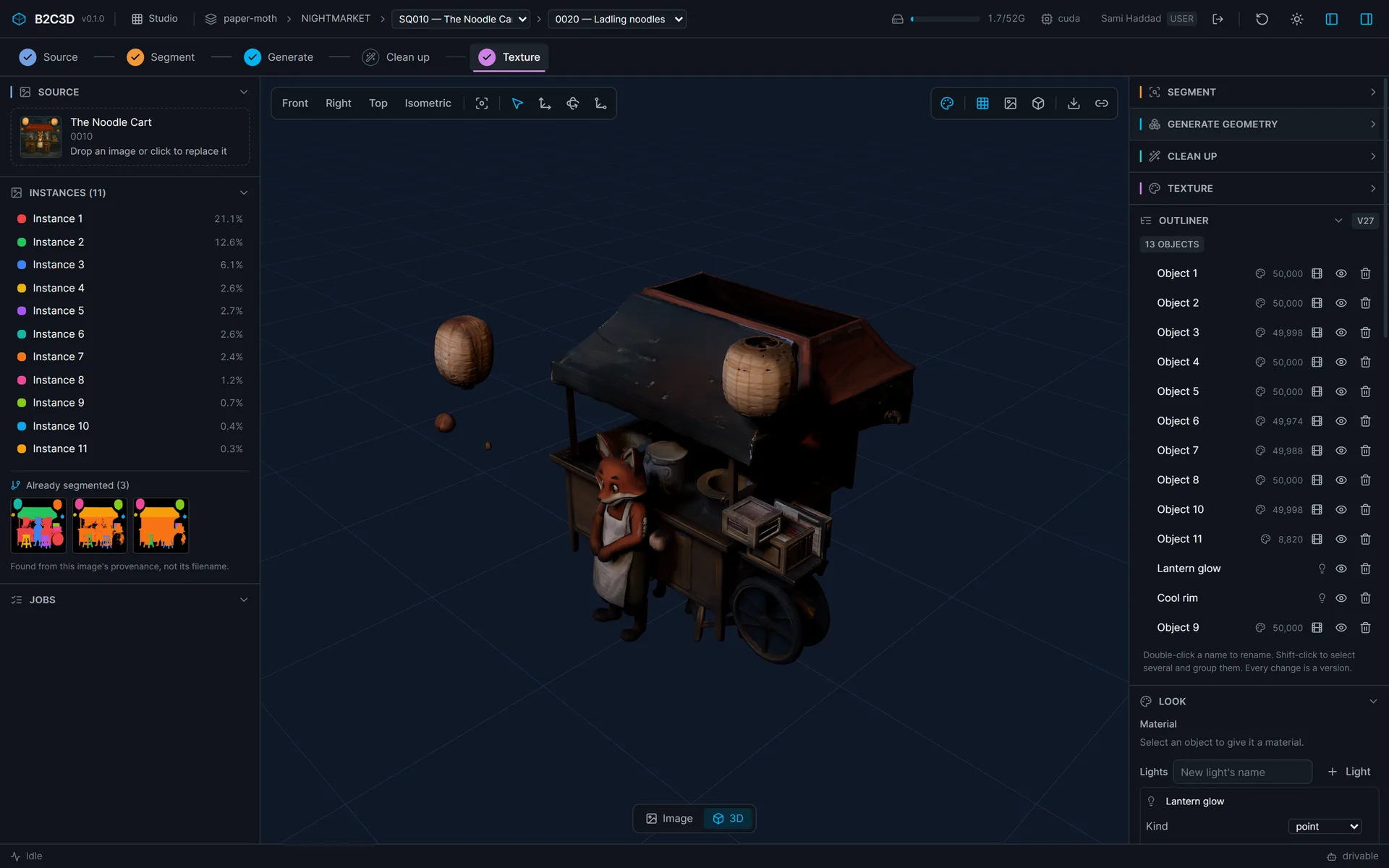
The Assets application carries clips through review. Every operation, and the playback controls themselves, is also an agent tool, so an agent can generate a clip, put it on a character and play it in an open tab.
Limits we chose to state
Retargeting works for humanoids. A rig without a humanoid body plan is refused with a clear error rather than retargeted badly, until a second body plan exists. Fingers are not retargeted, because the arm chain stops where the hand branches.
Gallery
A library walk retargeted onto Miso and playing on his own skinned mesh. Walk motion from the 100STYLE dataset (Mason, Starke and Komura), CC BY 4.0. An idle loop. Idle motion from the 100STYLE dataset (Mason, Starke and Komura), CC BY 4.0. 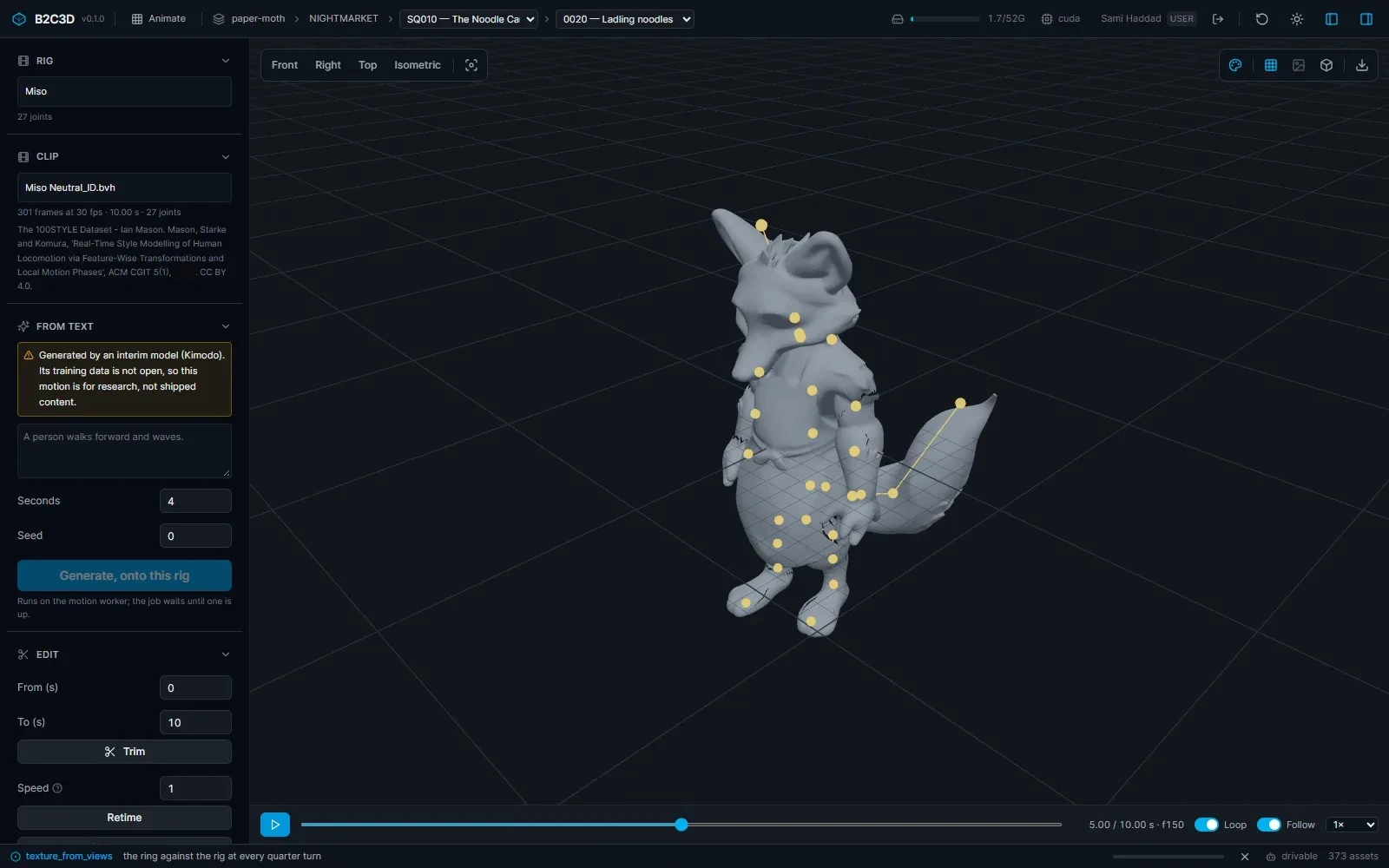
The idle in the full Animate window.
Related work
-

BigBluePipeline
A VFX studio pipeline, rebuilt as the artist-side front end for b2c3d.
-
Depth2STL and Obj2GLB
Two small open-source tools for getting 3D data where it needs to go.
-

QIE Studio
An image generation and editing studio, built by an AI agent working unattended from our specification.
-

AuRA Avatar Generator
Customizable, photorealistic presenters for AI-generated video briefings.