HoloFlect
Compute and Sensors
The parts list behind HoloFlect, from compute-stick tiers with neural compute add-ons to a Snapdragon 820 base board in a printed Compute Cluster, the cameras it was built to carry, the operating systems each part supports, and the controllers that replaced gesture.
HoloFlect is a workstation you wear, so its parts list matters as much as its shape. Every configuration was assembled from off-the-shelf boards, cameras and accelerators, chosen so a customer could trade cost for capability and upgrade later without replacing the headset.
Tiers
We costed four configurations of HoloFlect Pro, each built from the same kinds of parts.
- Low end: an Intel Compute Stick with an Atom x5 processor, a 5.5-inch full HD (1080p) display and a RealSense T265.
- Midrange: the same Atom x5 Compute Stick, a 5.5-inch 2560×1440 display, a T265 and one Intel Neural Compute Stick 2.
- High end: a Compute Stick with a Core m3 processor, the 2560×1440 display, a T265 and one Neural Compute Stick 2.
- Premium: the Core m3 Compute Stick, the 2560×1440 display, a T265 and four Neural Compute Stick 2s.
Every tier shares the T265 for inside-out tracking. The Neural Compute Stick 2 carries an Intel Movidius Myriad X vision processor, and stacking four of them in the premium tier was the point: the deep-learning side of the platform (gesture, body pose and other vision tasks) could grow with the job rather than being fixed by the headset.
The Compute Cluster
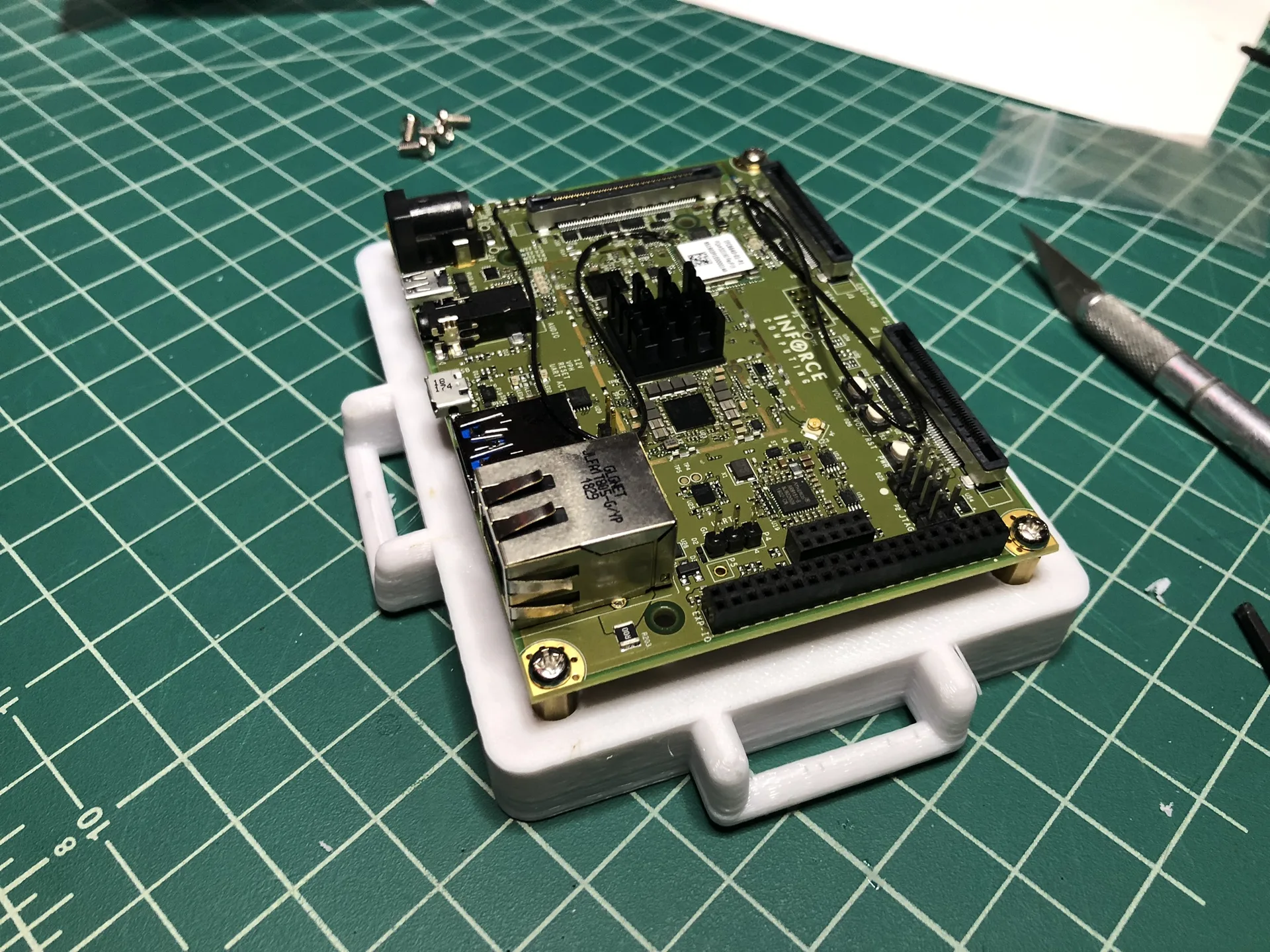
As the design matured, we reviewed compact processors from Intel, NVIDIA, Qualcomm and others, and chose the Qualcomm Snapdragon 820 as the best balance of price and performance for lightweight rendering and compute. The board we built around was the Inforce 6640.
The 820 sat in the middle of a wide family. A customer could step down to the cost-saving 400 series or up to the flagship 85x parts, and the Snapdragon 855 added direct 5G support, so the same platform had an upgrade path as soon as single-board versions shipped.
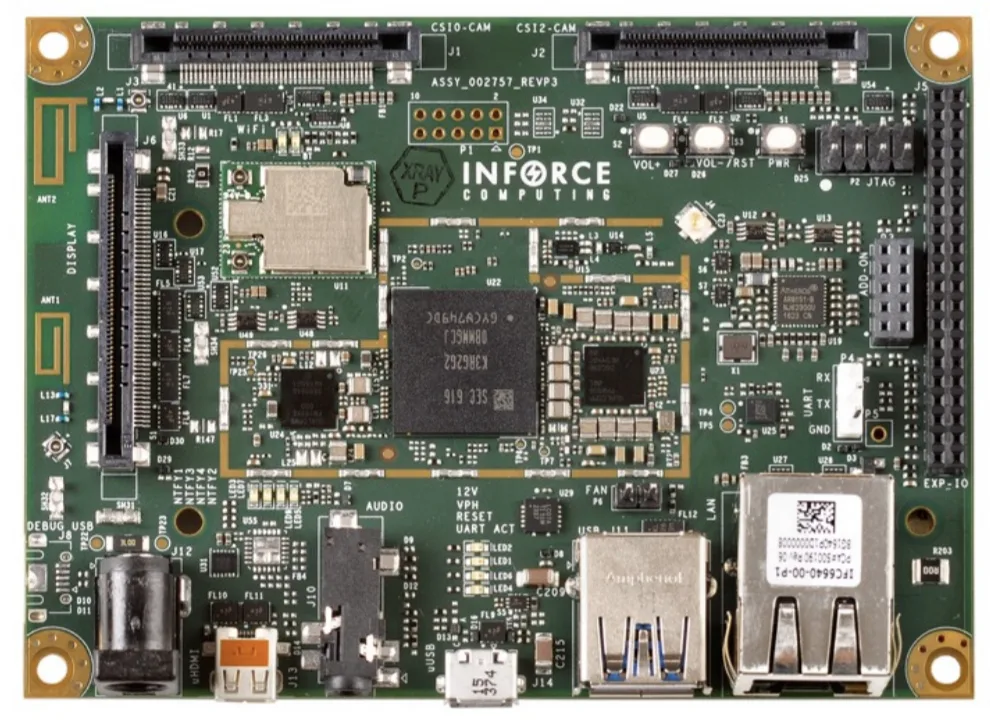
In the Molecules architecture the board becomes the Compute Cluster: the Element that hosts the operating system, the interface layer and storage, with ports for sensors, input, neural compute add-ons and outputs. We measured the board, its heat sink and its power connector, and printed an enclosure for it with handles and room for a cooling fan.
Sensors
Mounts were developed for several depth and tracking cameras, so a build could carry whichever one the job needed.
- Stereolabs ZED. A stereo depth camera, used on the first tethered Pro builds.
- Intel RealSense D435. A compact stereo depth camera, with its own printed mount.
- Intel RealSense T265. An inside-out tracking camera with its own onboard processing. It became the base camera for every configuration that needs spatial understanding, and got dedicated mounts on the later Pro builds, the Tactical helmet and the back of the tablet display.
Because all of them attach to the Sensor Riser, we could also stack sensors to compare them, or try wider stereo baselines. That line of work continued in our Mixed-FOV Depth Sensing and Variable-Baseline Depth Sensing studies.
Operating systems
Each part brought its own list of supported operating systems, which is why the HoloFlect software had to sit on top of whatever the hardware allowed. We tracked compatibility across the candidates:
- RealSense T265: Windows, Ubuntu, Debian and Raspbian; Android unconfirmed.
- Intel Compute Stick: Windows, Ubuntu, Linuxium and Android.
- Intel Neural Compute Stick 2: Windows, Ubuntu, CentOS, macOS and Raspbian.
- Raspberry Pi: Windows, Ubuntu, CentOS, Raspbian, BSD and RISC OS.
- NVIDIA Jetson Nano: Ubuntu.
- Inforce 6640: Debian and Android.
Ubuntu was the common ground for most of the parts. The Snapdragon board pushed toward Debian and Android. Bridging that gap is what the platform layer was for.
Input
For much of the interaction we tried, handheld controllers turned out to be better than gesture. Gesture still has its place, but for repeated, everyday actions a button was quicker and more dependable. We used small Bluetooth controllers and phone-VR controllers, and designed our own Handheld AR Controller that carries a tracking image the headset can follow.
Gallery
The Inforce 6640, a Snapdragon 820 single-board computer. 
The board in an early enclosure. 
Measuring the board's clearances for the enclosure. The Compute Cluster enclosure. 
The cooling side of the Compute Cluster. 
A compact stereo depth camera. 
A depth camera on the Sensor Riser. 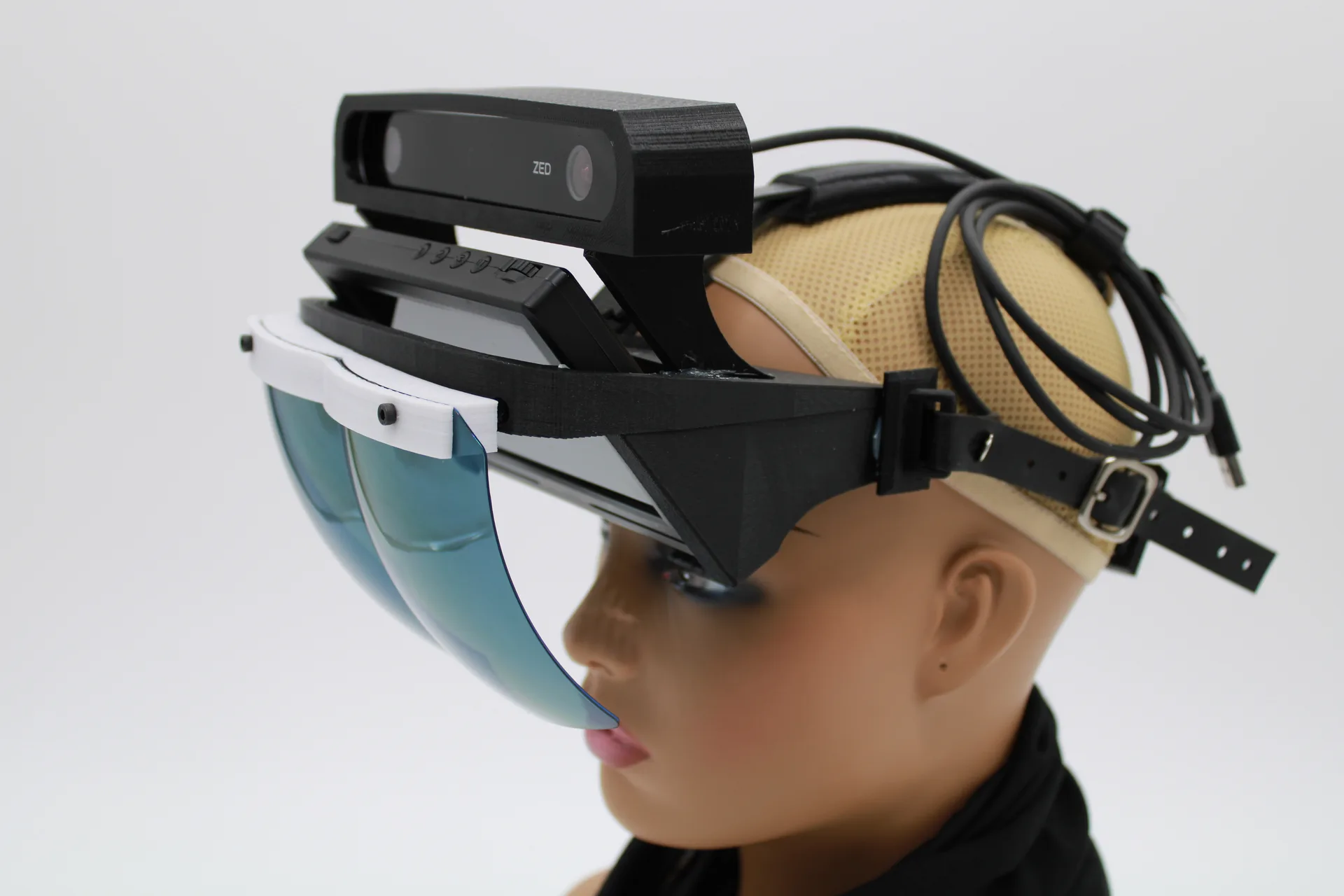
A Pro build carrying a Stereolabs ZED camera. 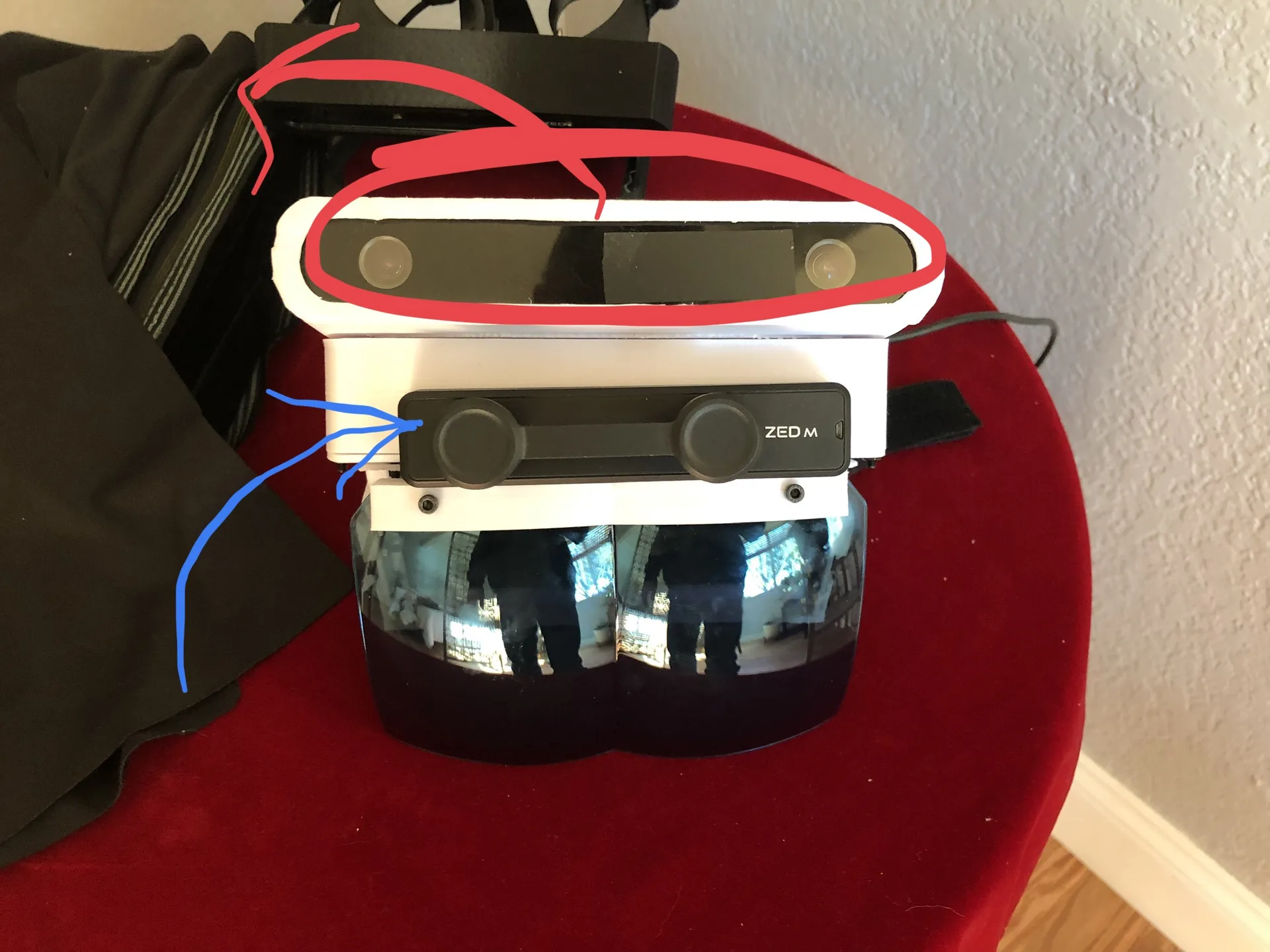
Two sensors stacked on one riser for testing. 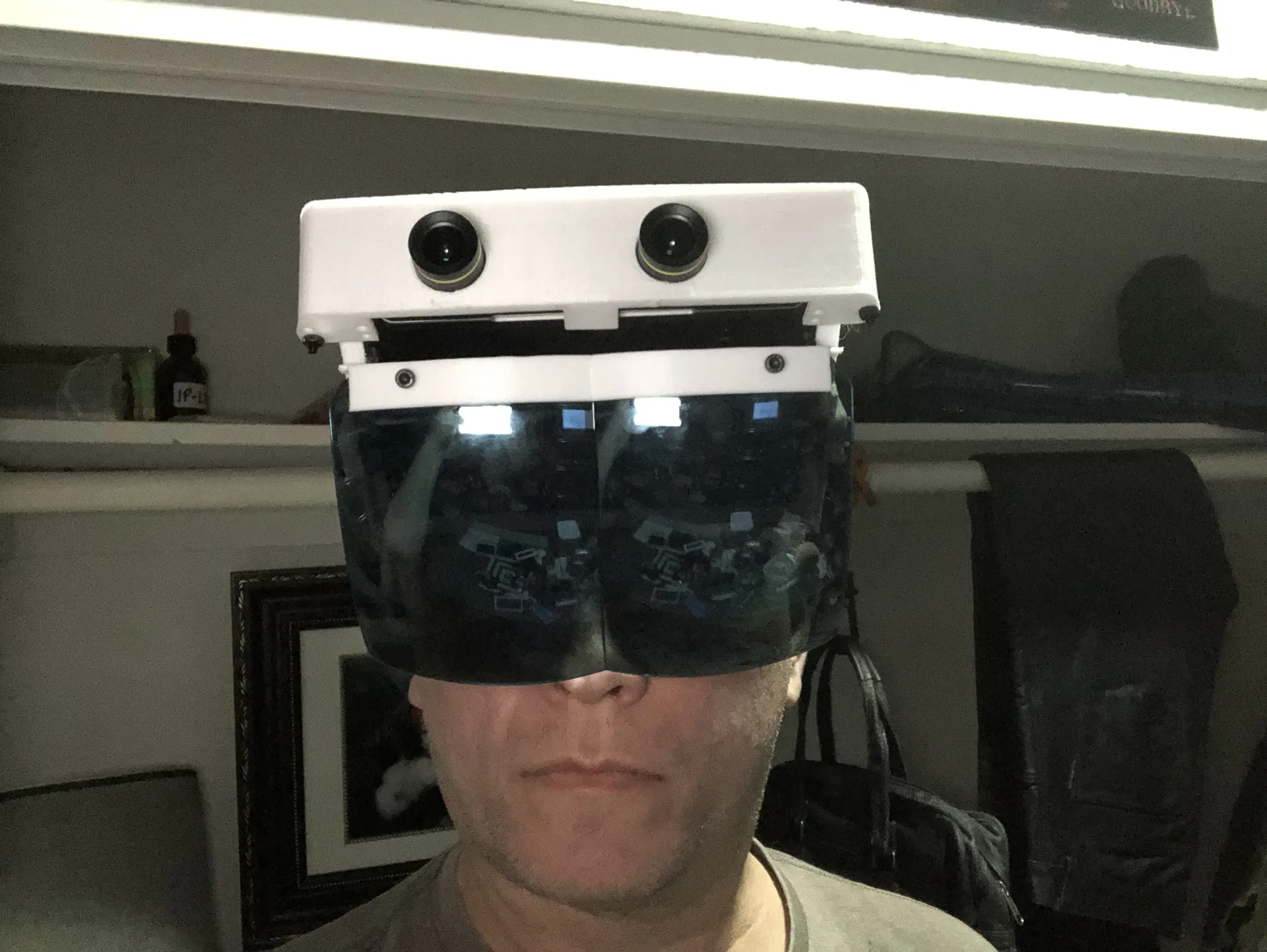
A wide stereo camera pair on the riser. 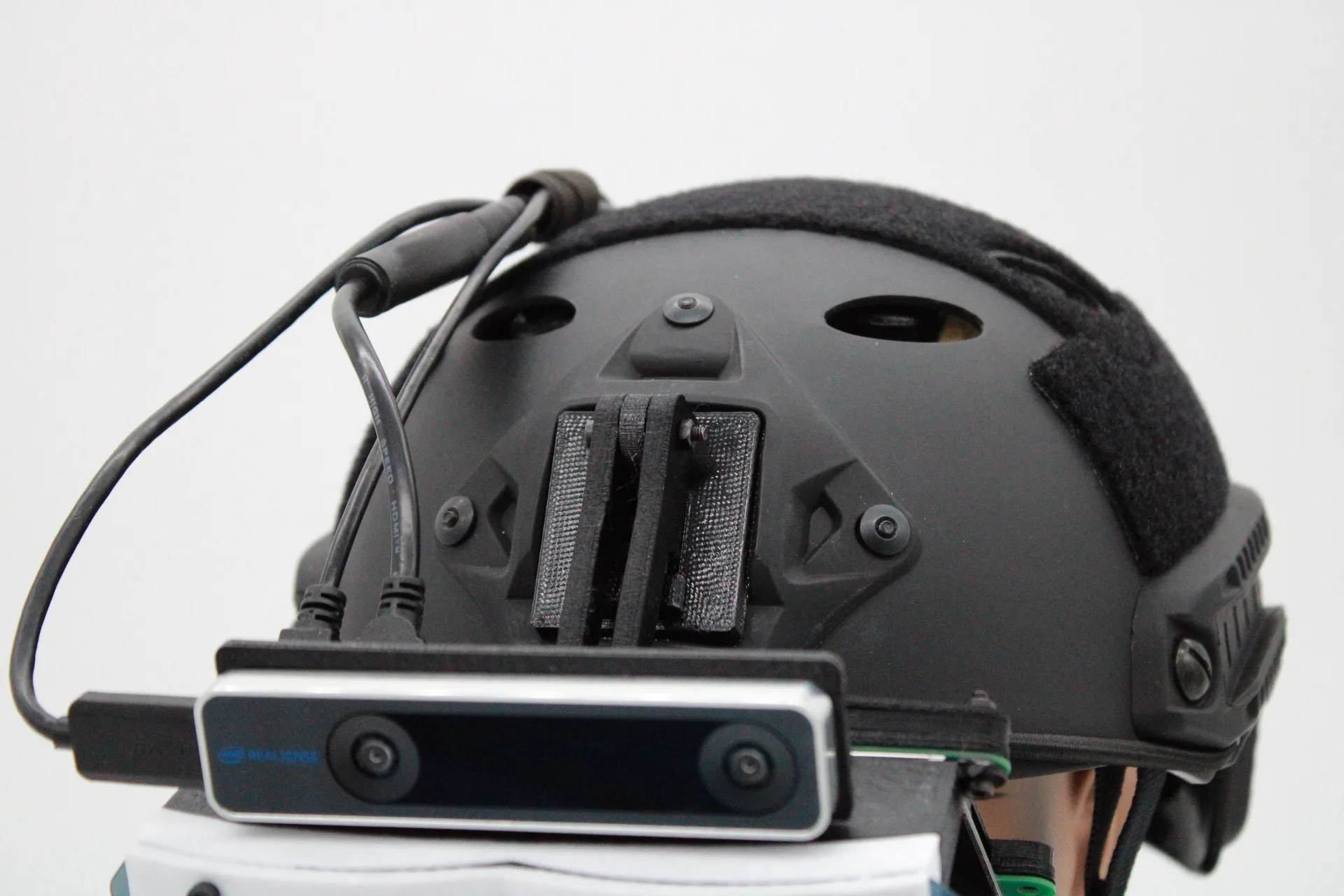
The RealSense T265 tracking camera on the Tactical build. 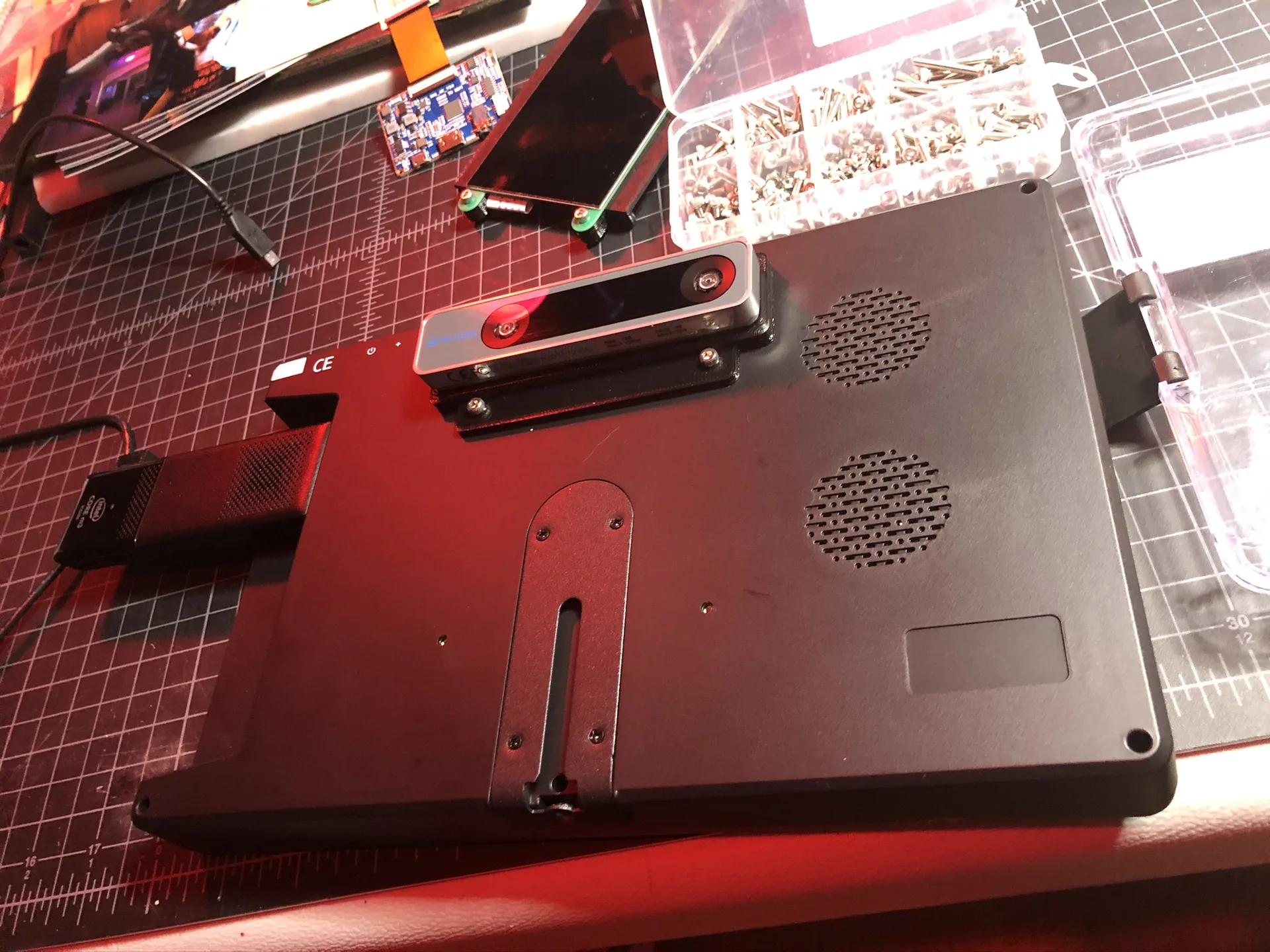
A T265 mounted on the back of the tablet display. 
A small Bluetooth controller of the kind we used for input.
Related work
-

Phone-Based AR Headset
The first HoloFlect prototype, built from a phone and a hand tracker.
-
AquariOS
One platform for AR and VR apps, running several at once, on whatever headset or phone you have.
-
xR Ecosystem
A modular, device-agnostic programming interface for mixed reality.
-
The Blue Vale
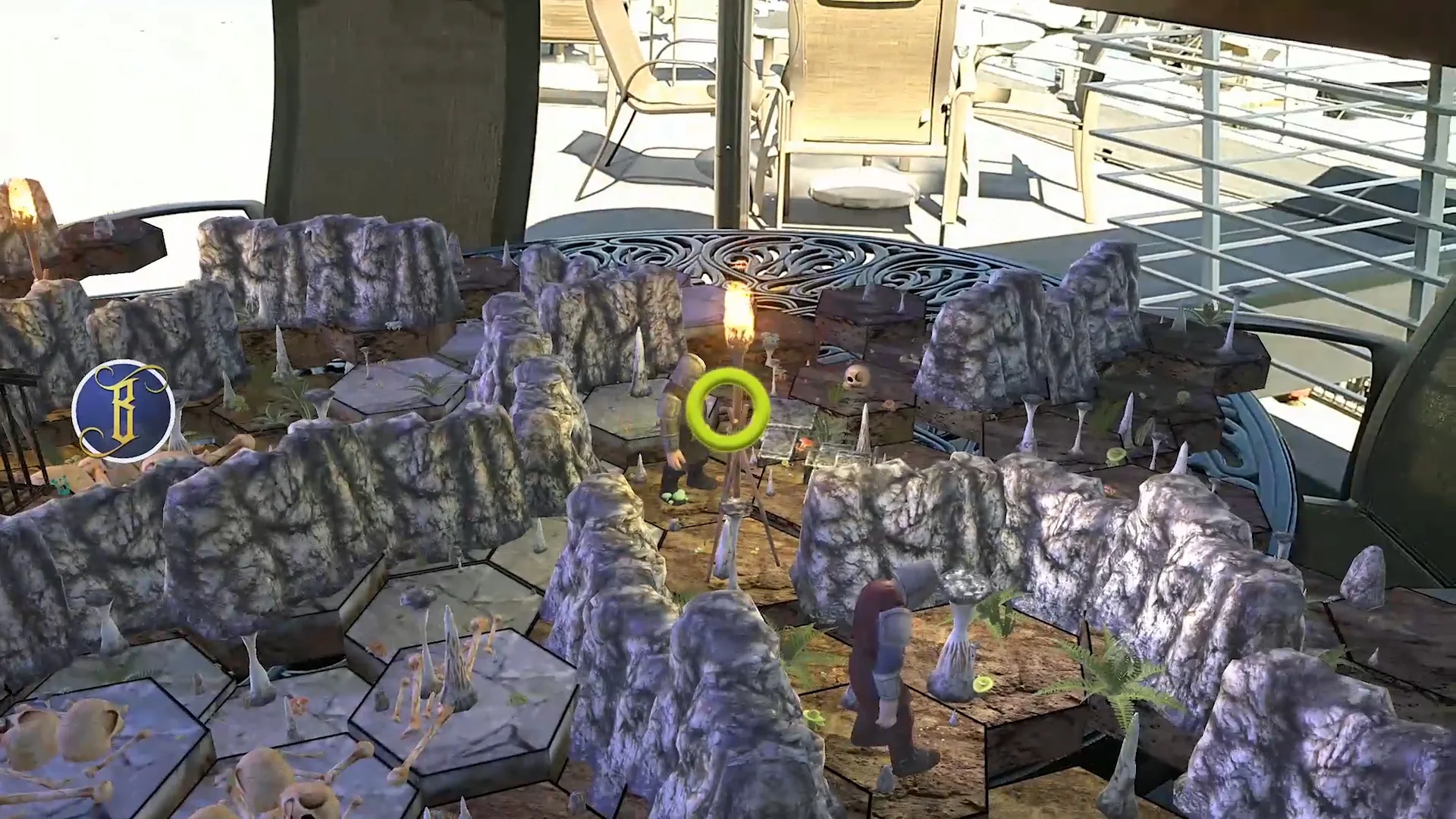
A d20-style tabletop roleplaying game played in augmented reality, on almost any device.